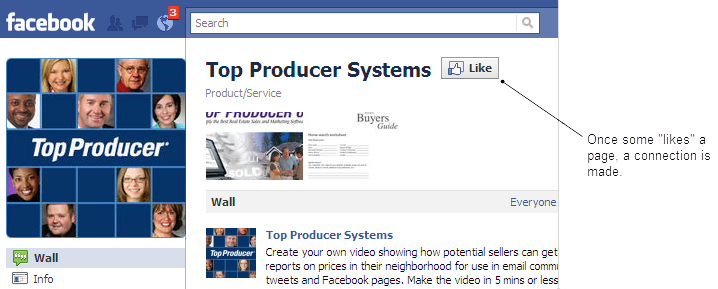
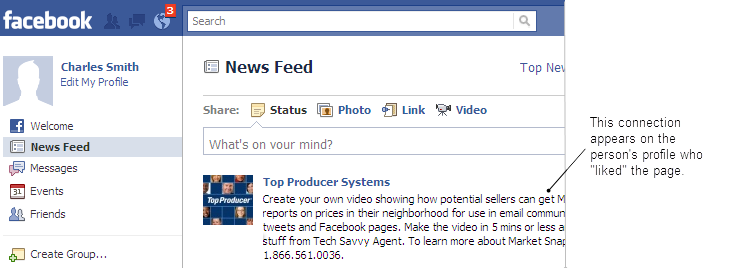
Facebook offers the ability to give positive feedback and connect with things people care about on Facebook. Many pages, both on and off Facebook, allow people to "like" the page, which creates a Facebook connection.
Once you have set up social media integration and linked a contact to their account, 8i displays any pages the contact has made this connection with. This can help you learn more about a contact's interests.
To view a contact's Facebook "likes":
Open the Contact Record. How?
Click the Summary tab.
The contact's Facebook activity appears in the bottom right.
Any web pages the contact has connected with appears beside the Likes label. If this label does not appear, the contact has not made any connections of this kind.
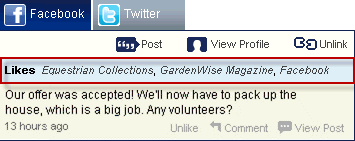
Note: If a contact has many Facebook "likes", click the More link to view the complete list.
You can view any of the pages by clicking the name. For example, to view the Facebook page in the example above, click Facebook.